

The Best Web Host for Small Businesses in 2026
In our opinion, the top web hosting options for 2026 are: SiteGround, Cloudways, WP Engine, and Kinsta.
This is based on our experience, their value, price, features, services, customer service, and growth rate.
Our #1 Best Web Host for Small Business in 2026 is SiteGround
If you own a small business or are a manager (or assistant) tasked with finding the best web hosting, let me solve it for you: go with SiteGround. SiteGround offers great value, customer service, and great features that small business owners need in 2026.
My recommendation is based on my own experience: I've been a SiteGround customer since about 2012 – over 15 years at this point! I first found out about them at a WordPress conference and haven't looked back since!
I believe SiteGround hosting is the best for small businesses because:
- It's very affordable
- The support team is very helpful and fast to respond via chat, email, or phone.
- There are useful features for managing things yourself
- It plays well with WordPress – and is built almost entirely for WordPress
- You can host unlimited sites on the GoGeek plan
- They offer small business offerings and needs such as VPS and cloud hosting.
As a small business, you need the best balance of price and features.
If you're ready to dive into the full comparison, we've done it for you. Check out our amazing table below.
8 Best Web Hosts For Small Businesses
| wdt_ID | Hosting Provider | Lowest Price | Load Time | Websites Allowed | Hosting Capacity | Customer Support | Our Rating |
|---|---|---|---|---|---|---|---|
| 1 | SiteGround | $6.99 | 710 ms | 1 website | 10 GB | Chat, Ticket | 4.8 |
| 2 | WP Engine | $23.00 | N/A | 1 website | 10 GB | Chat | 4.4 |
| 3 | A2 Hosting | $2.99 | 260 ms | 1 website | 100 GB | Chat, Ticket, Email | 4.6 |
| 4 | Bluehost | $2.95 | 316 ms | 1 website | 10 GB | Chat, Ticket, Email | 3.6 |
| 5 | GoDaddy | $5.99 | 285 ms | 1 website | 25 GB | Chat | 3.4 |
| 6 | InMotion Hosting | $2.29 | 318 ms | 2 websites | 100 GB | Phone, Chat | 3.7 |
| 7 | HostGator | $2.75 | 234 ms | 1 website | 3.5 GB | Chat | 3.8 |
| 8 | Dreamhost | $2.95 | 1730 ms | 1 website | N/A | Chat | 3.9 |
Table of Contents
Diving Deeper into the Abyss: Best Web Hosting Providers for Small Businesses
These are our top favorite web hosting providers for small businesses.
1. SiteGround – All-around best choice
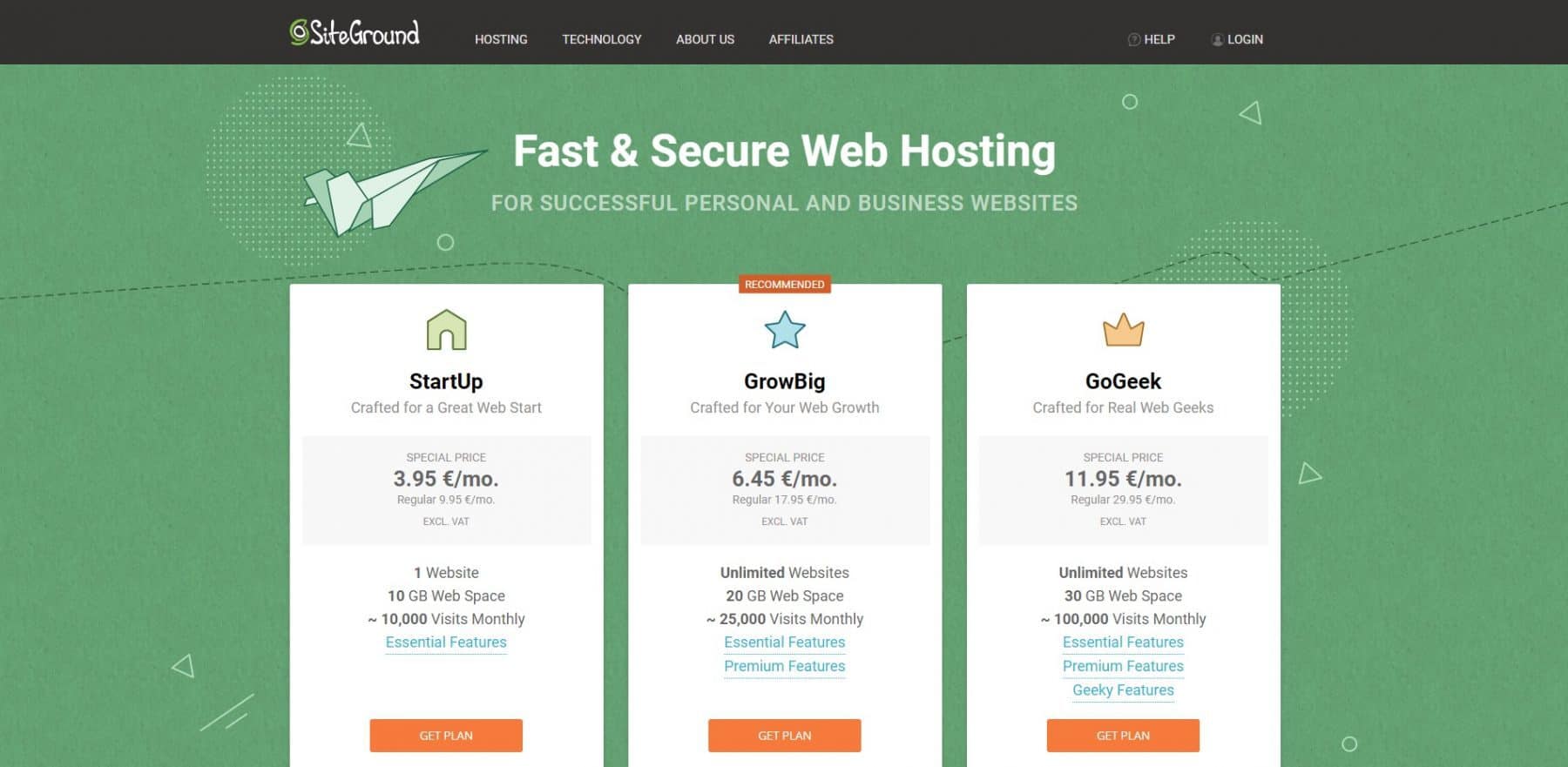
SiteGround – I just love them. They'ree great. They're comfortable, reliable, and always there. Truly, they are great. I first encountered them at a WordPress conference in Phoenix, AZ years ago (I met some nice Bulgarians), and they offered one year of free hosting – and I've been hooked ever since. They even honored that deal for me after it expired, and here I am singing their praises.
So I actually have two separate accounts with them, which gives me access to more storage space for my many, many fledgling sites. And that's what's beautiful about this if you're unhinged like me and have like 20 websites to host, 5 of which are for random clients, 5 are affiliate test sites, 1 is your core business, and the rest are for family members, well SiteGround can handle all of it.
In my youth, I ran into many problems with cowboy coding on WordPress, breaking sites, and causing all sorts of issues. The Bulgarian (now expanded internationally) customer support team was so kind, sweet, helpful, and full of Eastern European advanced math skills. Seriously, the team is smart and they could solve any issue you have. They'lll do i. I've had to have my behind saved by them many times. They rock.
Website: www.siteground.com
Pros
- Excellent pricing
- Amazing customer service
- Free Domain
- Great selection of tools
- One-click staging
- Works well with WordPress
- Unlimited domains on higher plans
Cons
- Annual plans only
- Some minor security concerns
- Nerdy inode limitations
SiteGround Top Feature Highlights
| StartUp | GrowBig | GoGeek | |
|---|---|---|---|
| Intro Price | $3.99/mo | $6.69/mo | $10.69/mo |
| Normal Price | $14.99/mo | $24.99/mo | $39.99/mo |
| Monthly Visits | ~10,000 | ~25,000 | ~100,000 |
| Storage Space | 10 GB | 20 GB | 40 GB |
| Bandwidth | Unmetered | Unmetered | Unmetered |
| Free & unlimited | Free & unlimited | Free & unlimited | |
| CDN | Free | Free | Free |
| Daily Backups | Yes | Yes | Yes |
| On-Demand Backups | No | No | Yes |
| 24/7 Support | Yes, standard | Yes, standard | Yes, Priority |
| SSL Certificate | Free | Free | Free |
| Anti-Hack Systems | Yes | Yes | Yes |
| Staging | No | Yes | Yes |
- Amazing 24/7 customer service, via chat and phone, where they go above and beyond to serve you
- One-click staging, let's you test changes on your site before bringing them live.
- Unmetered bandwidth -don't worry about too many gigabytes swapping back and forth.
Check out our in-depth review if you want to know a bit more about the. We can't recommend them enough. Or try comparing them to another similar host like A2 Hosting.
2. WP Engine – The best platform for a premium WordPresss platform
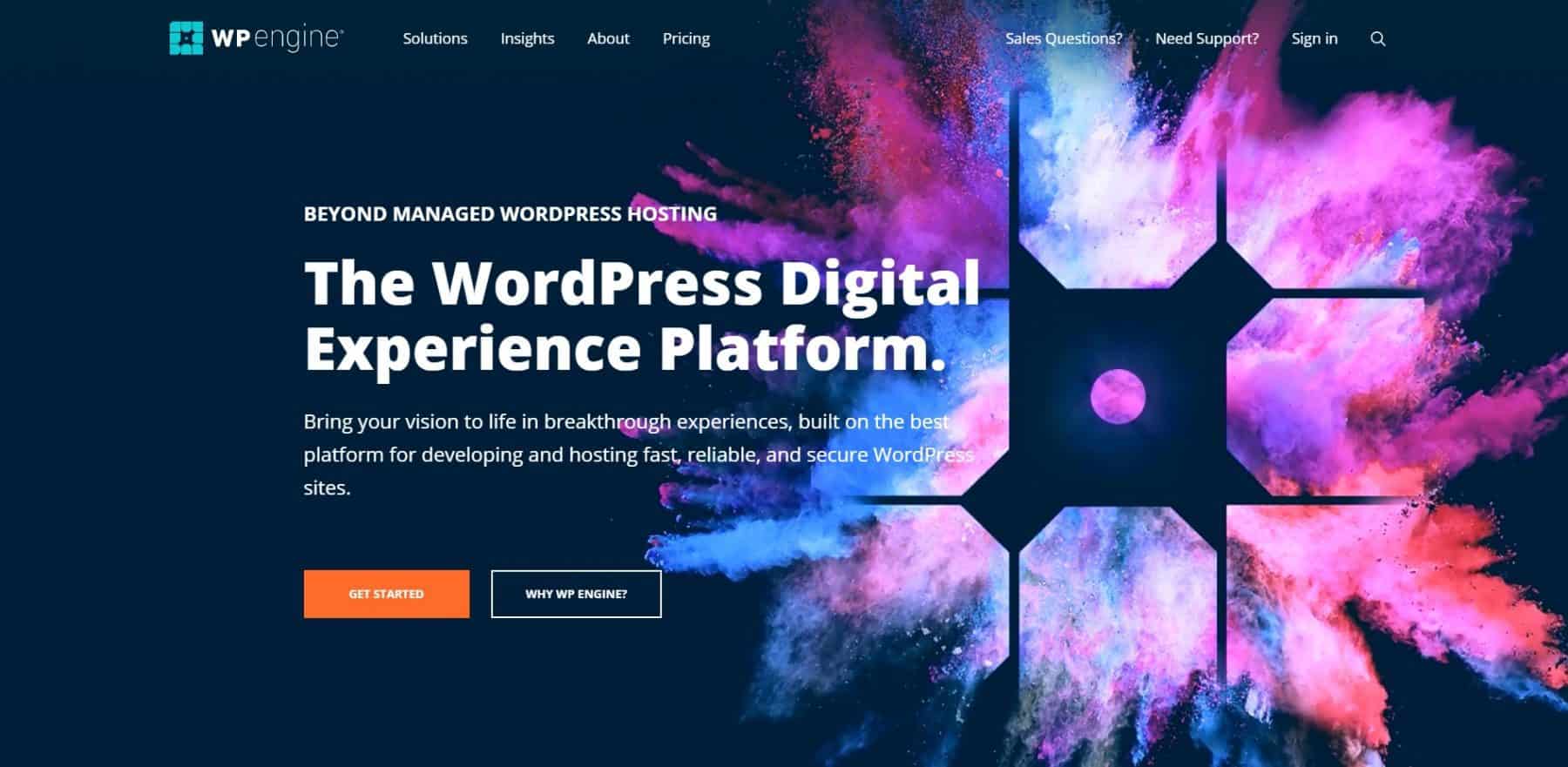
So what do you do if you're just a WordPress host but want dreams of being greater? You upgrade yourself to being a “”Digital Experience Platform”. No joke, that's what they've done, and you know what, I believe them.
Seethey'ree run by this really smart guy named Jason Cohen. He runs his own blog called A Smart Bear, which is key for you as a small business owner or manager. He's run and sold his own company, and he's been running WP Engine for years. Suppose you want to be connected to a company based in the U.S., where the CEO is a prominent small business bootstrap supporter. Jason is your guy.

As a small business executive, you can appreciate the moves WP Engine makes. They'vee been on an acquisition spree recently, snapping up companies like Flywheel hosting, Advanced Custom Fields / Delicious Brains, and more. All of these acquisitions truly roll up into something more than just a hosting platform, so you can appreciate the vision they have for something greater.
If you're looking for an independent Texas web host that gives a ton of value and goes its own way, WP Engine is your dark horse.
Website: www.wpengine.com
Pros
- Top value for growth businesses
- Absolutely dedicated to WordPress
- Fantastic WordPress tools and features
- Blazing fast speed
- Unlimited data transfers
- Enterprise-level encryption
Cons
- Not a good choice if you aren't committed to using WordPress.
- No domain emails
- Expensive for beginners
WP Engine Top Feature Highlights
The biggest mistake beginners make?
Getting too cheap with web hosting.
Some will compare WPEngine's $35/mo plans with rock-bottom prices under $2 a month.
Guess what – you get what you pay for.
If you run a real business, you WANT to pay more. You want to know that the hosting company will make a profit and invest in its technology.
Guess what: if your cheap host gets hacked, you're paying a web developer upwards of $100/hr (in the U.S.) to fix it. There goes your savings.
Technically, WordPress is a free, open-source content management system, which is a techie way of saying that anyone can use and modify the software for free—this has its pros and cons.
It's a very powerful tool that gives users access to plug-ins, widgets, user-designed content options, and more. But the major drawback is that being so open-ended, anything can happen.
That means if you aren't a developer, your WordPress site on a cheap host can get spammed, hacked, and run so slowly it's like a snail on gravel.
To help host and manage this, WP Engine supercharges WordPress with its built-in customizations. They consider themselves a web experience platform, not just a host.
What this means is that they have a team of WordPress engineers who use their custom platform to add speed optimizations, security measures, and top-tier support, making your website stronger than if you did it yourself.
It's a bit pricier,, but those who want to use WP will fall in love with WP Engine anditse featurer.
If you are into the DIY nature of WordPress, WP Engine is a must.
WP Engine is more expensive than other hosting options because it offers extreme speed, great tools, automatic backup,s, and more.
The most bizarre drawback is a lack of support for domain-based emails.
They awkwardly suggest using Gmail, but hopefully that will change as they grow (they recently updated customer service to 24/7, which is fantastic). Though we use Gmail for everything, it's not a major drawback.
If you aren't using WordPress, it might be worth looking elsewhere, but it's a must for those who are. Our full review goes even more in-depth on their features.
| Plan | Sites Included | Max Visits | Storage Space | Bandwidth |
| Startup | 1 | 25,000 | 10GB | 50GB |
| Professional | 3 | 75,000 | 15GB | 125GB |
| Growth | 10 | 100,000 | 20GB | 200GB |
| Scale | 30 | 400,000 | 50GB | 500GB |
| Custom | 30+ | 400,000+ | 50GB+ | 500GB+ |
3. A2 Hosting – Up to 20x faster hosting
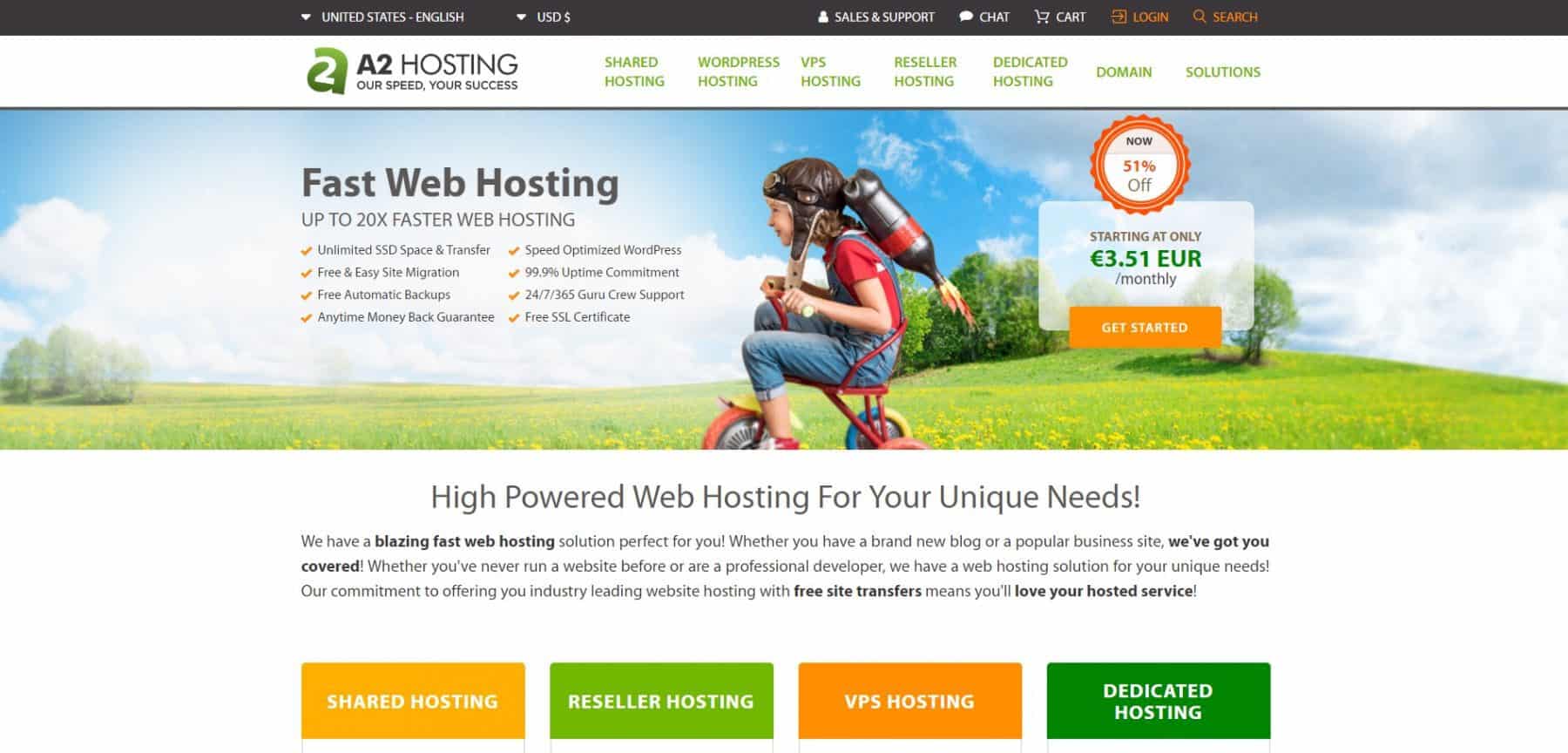
I'll be honest: A2 Hosting has called themselves the” “fastest web host”” for a long time, at up to 20x speeds. And while that claim has many nuances, in my personal experience, I've been pleasantly surprised by the blend of speed and cost that A2 Hosting offers in real time.
I would look at them as independent, better versions of Bluehost and GoDaddy. That's because they play in the cheaper markets and don't have a lot of design focus in their branding, but they do deliver good value at good prices, so we have to give them credit where credit is due.
I've personally been a customer for 5+ years, and the sites have done well in that time, well, good enough if they didn't rely on a clown like me to be running them.
Website: www.a2hosting.com
Pros
- The fastest shared hosting provider you'll find
- 24/7 customer support
- Uptime guarantees
- Robust email features
- Good with optimized WordPress hosting
- Automatic backups
- Daily backups
Cons
- The interface can get a bit messy
- Some customer complaints about sub-par support
A2 Hosting Top Feature Highlights
A2 Hosting stands out for one thing.
Speed.
Nothing makes your website visitors downright angry like slow load times.
Even a few extra seconds can cost you hundreds of customers.
A2 Hosting is blazingly fast and offers the full suite of features we expect from a web hosting provider, including 24/7 customer support, uptime guarantees, and excellent tools.
A2 is a really good option for those with weighty web designs that need to deliver data to consumers quickly.
They offer great email support and are good with WordPress as well, which keeps them competitive with WP Engine.
As a host, they're a great compromise between the cheap all-around features of SiteGround and the expensive WordPress focus of WP Engine.
They also have proprietary security solutions and can be trusted to remain up longer than almost any other hosting service. The daily backups don't hurt either.
Starting an ecommerce site that isn't on Shopify (why?). A2 supports PrestaShop, Magento, OpenCart, WooCommerce, and many more.
Check out more A2 Hosting details in the full review.
| Plan | Starting Price | Websites Allowed | Storage Capacity | Site Migration |
| Startup | $2.99 | 1 | 100 GB | Free |
| Drive | $5.99 | Unlimited | Unlimited | Free |
| Turbo Boost | $6.99 | Unlimited | Unlimited | Free |
| Turbo Max | $12.99 | Unlimited | Unlimited | Free |
Check out A2 Hosting pricing and plans
Alternatives if You Don't Want the Top 3: Cheap and popular web hosting companies
So… if for some reason you don't like my top 3 picks, I guess I'll have to cover some of the scrubs! These are popular picks that you've heard of, or maybe your ugly little friend recommended. Well, they're there.
1. Bluehost – The best price for a three-year subscription
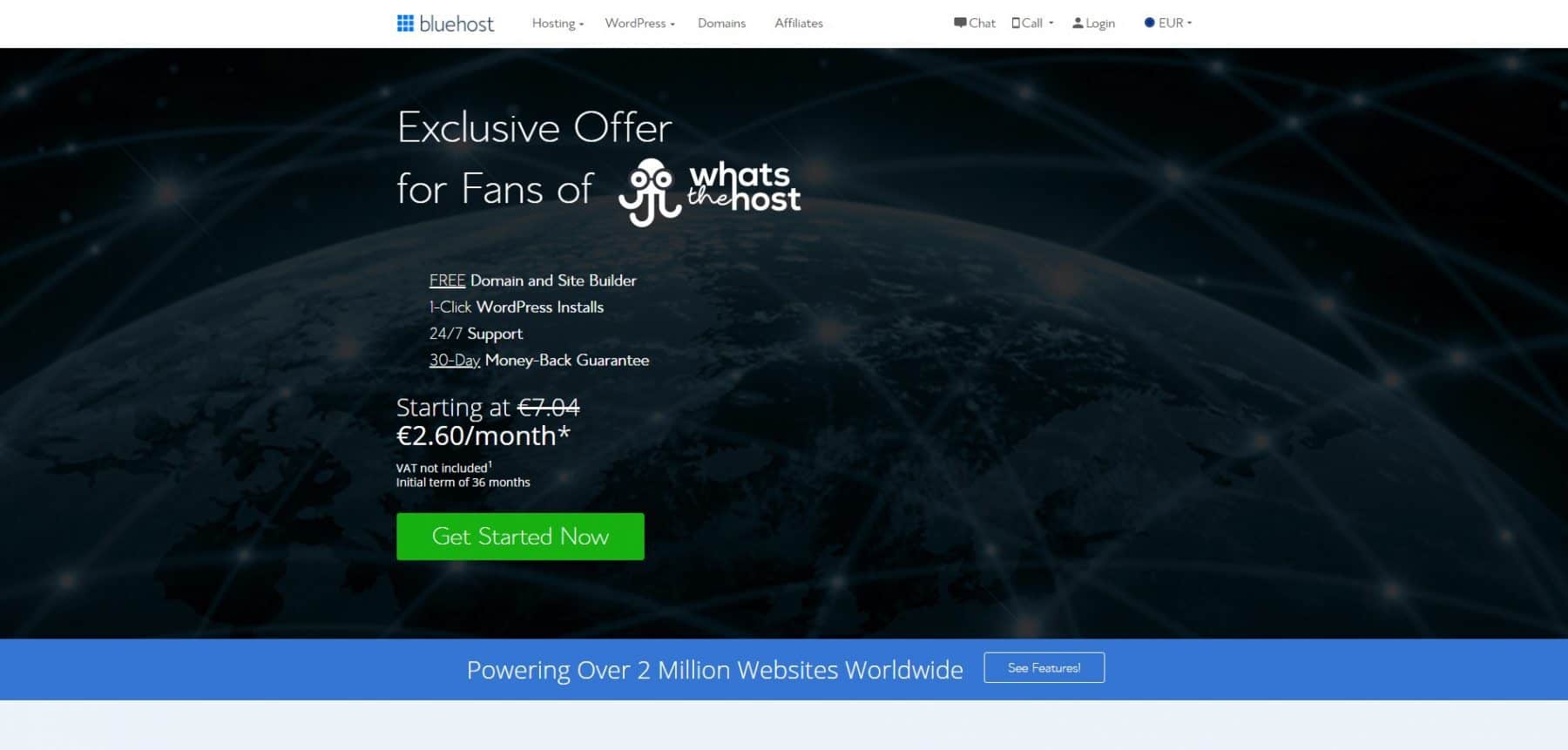
Ok, Bluehost is alright. It's fine. I don't know, the customer support isn't that great. Why wouldn't you do SiteGround again?
Website: www.bluehost.com
Pros
- Fantastic choice for beginners
- Military-grade encryption
- Bluehost VPS is actually affordable
- lowest price for a 3-year commitment
- Some users report super-fast speeds
Cons
- Cheapest isn't always better
- No uptime guarantee
- Slow speeds reported by some users
- Customer support can be slow and lacking
Bluehost Top Feature Highlights
Bluehost is commonly name-dropped on popular blogs and famous podcasts -it's a mass-market host that appeals to a lot of people.
For those who use price as the most important factor in choosing a host, Bluehost is one of the best options.
It's also one of the lowest-risk options for beginners just getting started with building their first website.
Bluehost offers fantastic security and tools that beginners love. They also offer VPS hosting at an affordable price.
Bluehost does struggle in a couple of areas.
First, they don't offer an uptime guarantee. That means you won't get compensated if Bluehost goes down.
While this is a very rare occurrence, the risk isn't worth it for businesses such as e-commerce that lose money every minute a site isn't live. They're the only provider we recommend that doesn't meet that basic requirement, given all the other things Bluehost does well.
Bluehost is a decent choice, but long-term users may find themselves outgrowing it. That makes the cheap long-term pricing a little less valuable.
The full Bluehost review delves into more details. deeper
| Plan | Price | Websites Allowed | Storage Capacity | Theme Style |
| Basic | $2.95/mo | 1 | 10GB | Custom |
| Plus | $5.45/mo | Unlimited | 20GB | Custom |
| Choice Plus | $5.45/mo | Unlimited | 40GB | Custom |
| Pro | $13.95/mo | Unlimited | 100GB | Custom |
Check pricing and get a Bluehost discount
2. GoDaddy – The Best Web Host for Domain Names
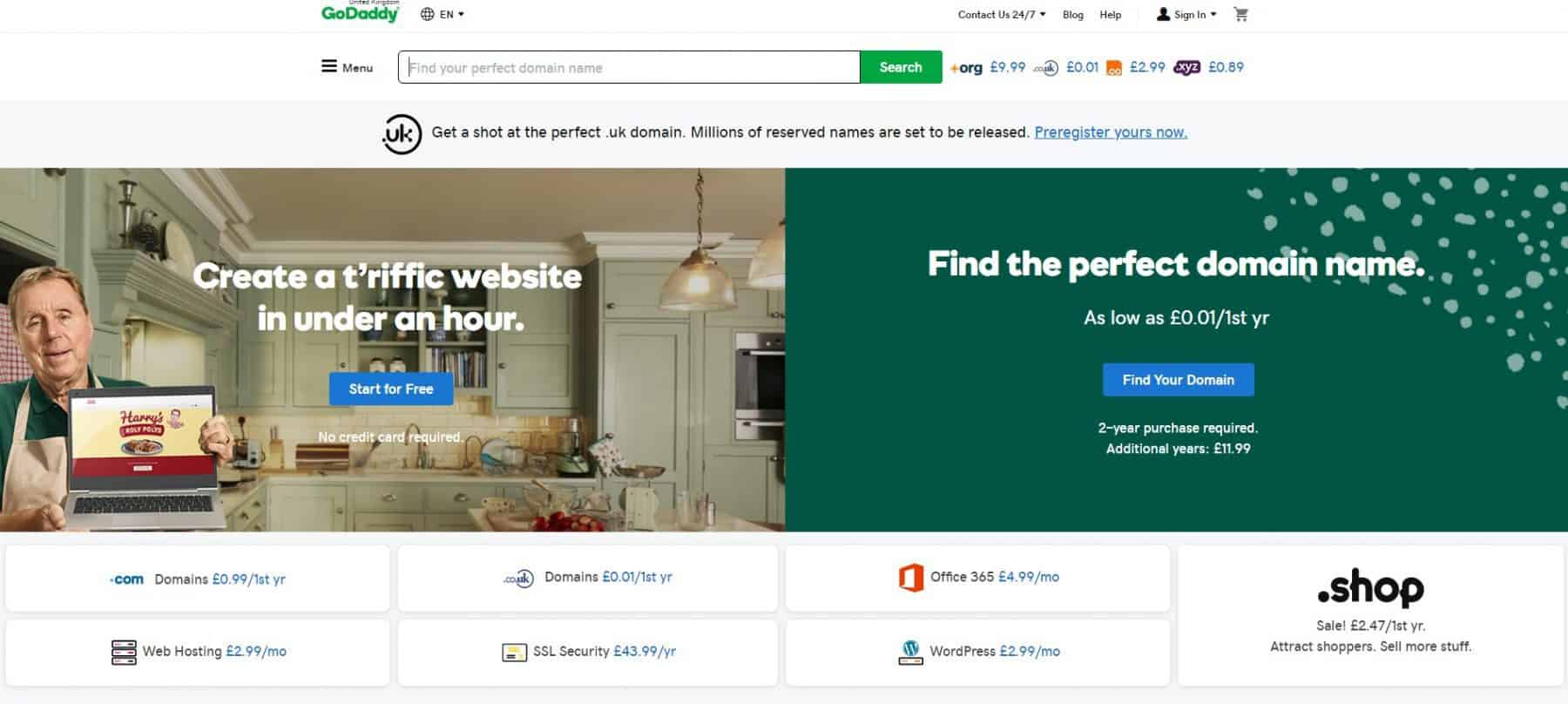
Are you a boomer who loves silly Super Bowl ads from the 2000s that you can't get out of your head? Are you too lazy to move a few domains away from GoDaddy? Then this is the one for you!
Don't go with GoDaddy. I don't like them; they nickel-and-dime for features that SiteGround includes. BUT if you already have a bunch of domains from the 90s and you're too lazy to move. I guess GoDaddy is alright, and some of the stuff they're improving from time to time.
They're basically the Sears of web hosting. Been around, got momentum. Are they still alive? Kinda?
Website: www.godaddy.com
Pros
- Great if you already have domains there
- 24/7 phone support
- Almost always up and pretty fast
- Great tools and features
- Can have a professional team design your website
Cons
- Outdated PHP support
- Slow customer service
- Not the highest quality hosting
GoDaddy Top Feature Highlights
Even if you go with another web hosting provider, chances are you'll encounter GoDaddy along the way.
They're probably the most well-known provider around.
They're famous for buying a huge amount of domain names and raunchy Super Bowl ads that made them memorable for all the wrong reasons.
For business professionals short on time who want to only go through one company, there is a good chance GoDaddy will meet your needs for both a host and a domain name.
GoDaddy checks the boxes for 24/7 phone support, affordable starter pricing, and a decent feature set. One unique feature is GoDaddy's web design team.
For those willing to pay a bit more, they'll design your website and help you get a web presence quickly. Worth it for those who don't have the time or skills to build a site, but have the budget.
The full GoDaddy review dives into more nuances.
| Plan | Price | Website Limit | Storage Space | Database | Bandwidth |
| Starter | $3.99 /mo | 1 | 30GB | 1 | Unmetered |
| Economy | $5.99 /mo | 1 | 100GB | 10 | Unmetered |
| Deluxe | $7.99 /mo | Unlimited | Unlimited | 25 | Unmetered |
| Ultimate | $12.99 /mo | Unlimited | Unlimited | Unlimited | Unmetered |
Get GoDaddy WordPress hosting for just $1
3. Inmotion Hosting – No Frills Solid Hosting
InMotion has also been around forever. Not sure why you need to read this far to go with them.
Website: www.inmotionhosting.com
Pros
- SSD Hosting
- WordPress Integration
- Very reliable customer service
- Seamless hosting type switching (Dedicated, VPS, Shared)
- Techie oriented
- Hassle-free migrations and transfers
Cons
- Vague and confusing pricing and limits
InMotion Hosting Top Feature Highlights
InMotion Hosting is a solid option for web hosting, with 20 years of great performance and all the features you'd expect from a web hosting provider.
It has a history of great performance and all the features you'd expect from a web hosting provider.
They don't flaunt killer features that set them apart, but InMotion is affordable, popular, and dependable.
InMotion is upfront about being a bit more on the technical side than other hosting services and about supporting open-source solutions.
They're fantastic for those who know a bit about building a site and hosting it beforehand.
It has a steeper learning curve than some providers, but it offers unique freedoms.
They also have SSD hosting, which is far faster than traditional HDD hosting.
The biggest downside for InMotion is that they aren't always the clearest about pricing and data limits, so it's important to research your package and talk with customer service about any questions you may have. The full InMotion review dives deeper than you want.
| Plan | Starting Price | Websites Allowed | Storage Capacity | Bandwidth |
| Core | $2.29/mo | 2 | 100GB | Unlimited |
| Launch | $4.99/mo | Unlimited | Unlimited | Unlimited |
| Power | $4.99/mo | Unlimited | Unlimited | Unlimited |
| Pro | $12.99/mo | Unlimited | Unlimited | Unlimited |
See InMotion pricing and plans
4. HostGator – Popular, cheap host
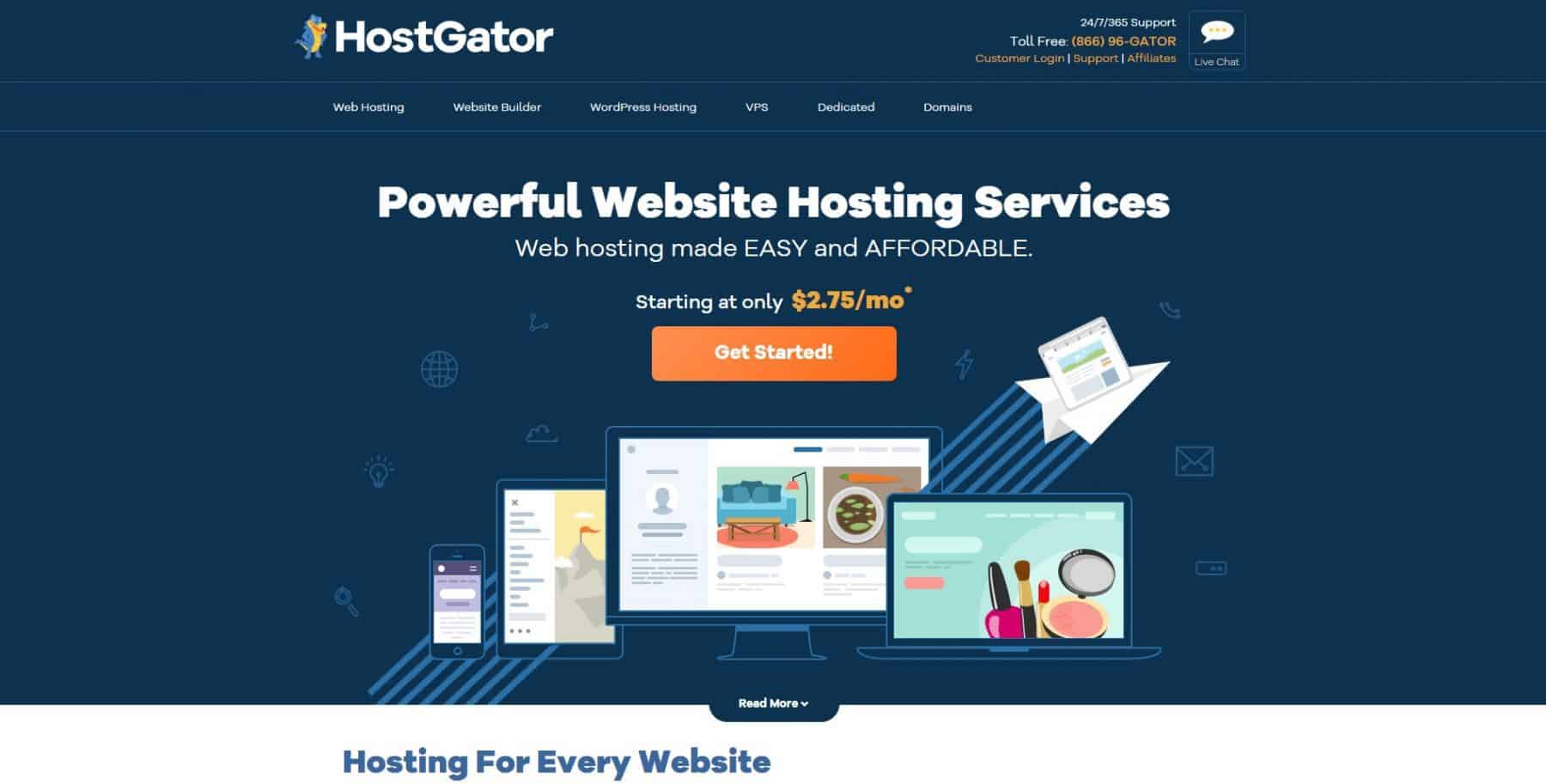
HostGator, another EIG special. They're like the Mervyns of hosting. You know what I mean?
Website: www.hostgator.com
Pro
- Free website hosting migrations
- Generous money-back guarantee and free trials (Such as cPanel)
- Good alternative to other cheap hosts
- Unlimited email addresses
- Stellar customer service
Con
- Mixed customer reviews
- Security is a little lackluster
HostGator Top Feature Highlights
HostGator is a very cheap option (less than $3/mo) that offers great tools, good support, and a generous money-back guarantee.
The biggest advantage of HostGator is the low risk.
They offer loads of free incentives, such as AdWords credits and SEO tools. They also give free trials of popular hosting features such as cPanel.
With HostGator, yocanto experiment without spending a bunch oextraal cash. They'ree similar to GoDaddy in that HostGator is a huge, well-known provider with fantastic features.
Unlike GoDaddy, they didn't use crude marketing tricks to become well-known. Rather, they offer good service with the features you want.
With unlimited email addresses and all the free tools, they're probably our favorite pick for those who want to experiment with web analytics.
They have everything from shared to WordPress, VPS, and cloud hosting. Those just starting will do fine with shared hosting, though. Our HostGator review dives into the dizzying number of options.
| Plan | Price | Website Limit | Bandwidth | SSL Certificate | Free Domain |
| Hatchling Plan | $2.75/mo | Single | Unmetered | Free | Inluded |
| Baby Plan | $3.50/mo | Unlimited | Unmetered | Free | Inluded |
| Business Plan | $5.25/mo | Unlimited | Unmetered | Free | Inluded |
Bazinga, check out HostGator's discounted plans (with link)
5. Dreamhost – The best host for non-profits
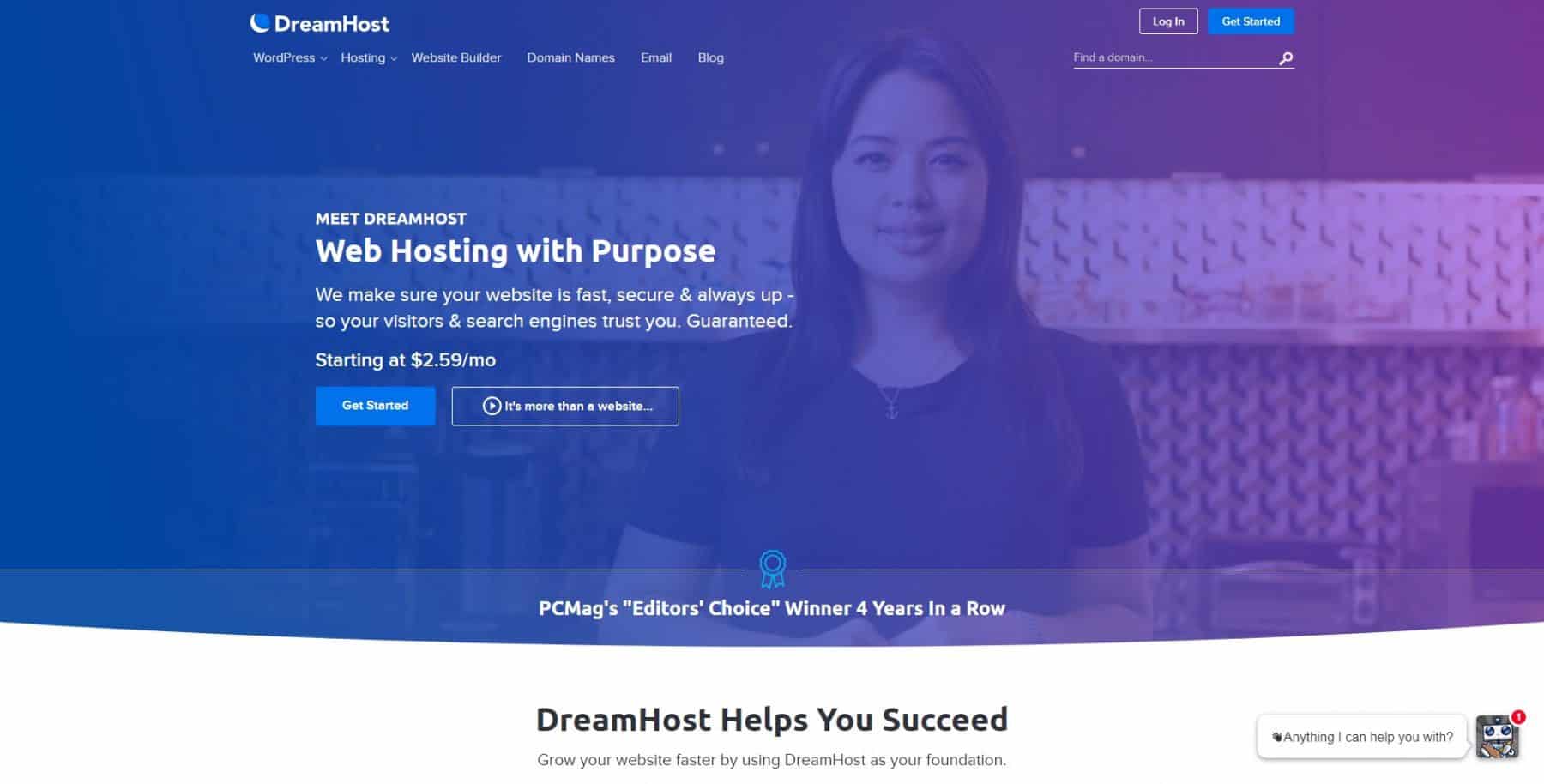
DreamHost is a nice host. They have a purpose, so they say.
Website: www.dreamhost.com
Pros
- Easy single-click installations
- Unlimited bandwidth and disk space
- Freebies galore ($100 AdWords credit, free domains, unlimited emails)
- Free hosting for non-profits
Cons
- No phone support
- Lack of options
Dreamhost Top Feature Highlights
Dreamhost does one amazing thing that other hosts don't: free non-profit hosting.
It takes a bit of paperwork, but for those 501(c)(3) that are scraping by, nothing beats free!
They're a good hosting service, and we appreciate how honest and upfront they are about terms like ‘unlimited'.
Most providers go through that, but still throttle bandwidth or charge extra through nefarious means. DreamHost is just a friendly hosting service.
They offer varied options, such as WordPress and Website builder services, and remain quite affordable.
Our biggest concern is that Dreamhost doesn't offer phone support.
Using a quick and decent email ticketing system works, but larger businesses with immediate concerns may find themselves frustrated by the lack of customer service.
Check out the full Dreamhost review for more fresh details.
| Plan | Price | Website Limit | Traffic | WordPress |
| Shared Starter | $2.59/mo | 1 | Unlimited | Pre-installed |
| Shared Unlimited | $3.95/mo | Unlimited | Unlimited | Pre-installed |
See if Dreamhost is dreamy enough for you
Related Follow-up Questions & FAQs for SMB Owners after they Decide on a Host.
Ok, so you've decided on a web host, what now?
It's time to build.
Here are all the additional things you need to know.
How to Get a Small Business Website Built and Hosted
If you're a small business owner building a site for the first time, there was historically no plug-and-play way to do it. The reason small businesses are on Instagram first and foremost is that it's just so easy to get started there.
But all of that has changed in the AI era. Businesses should turn to AI-native site builders like Replit, Lovable, v0, and Claude, as well as ChatGPT, on their own. What was impossible before is now possible.
Another approach is to use platforms like Webflow, Framer, and HubSpot and build with AI tools within them. Businesses can achieve a higher level of control this way without fully migrating off platforms.
Here are our top, persistent tips before the AI-era; some things have changed.
1. Align your business model with the right online platform: First, research and think through what type of website you need. You may need an ecommerce site with carts and unique features, or you may be advertising a law firm and care mostly about driving a specific audience to your web presence. Defining your online presence depends on your individual business.
2. Choose a web hosting solution: This will depend on what your needs are as a business. Small business web hosting typically consists of a mid-range solution, as the more expensive options include features a typical business owner may never use.
3. Build and design your online presence: Building your website depends on what you desire to invest in your online platform.
None of these steps is easy or quick. They're broad and may take a ton of time and investment to finish. They are basically the broadest way to get your online presence up and running, though. Today, we want to help you take care of that confounding second step, choosing your web hosting solution.
The second step, selecting a host, is where many enthusiastic business leaders get overwhelmed, stop, and never get online.
There's a dizzying array of hosting options available. Since hosting is such a foundational step in developing an online presence, it's easy to be discouraged from starting anything.
What is a “web hosting solution”?
A web hosting solution is a term that takes the web hosting product to the next level. Someone is looking to solve more than just the tech part; they want a full solution.
Web hosting itself is how you get a physical computer to manage, store, and connect your website to the internet. This is primarily done through web hosting providers such as A2 Hosting, which manage hundreds or thousands of computers hosting various websites.
Why Use Cloud Rather than Self-Hosted Hosting?
If you're a big enough small business, you might want to consider colocation servers at a local data center, especially if you're in local government.
It's simple, cost-effective, and far more effective than running your own server system at the office or at home. For those brave ones or techies who want to try an in-house DIY solution, though, WhatsTheHost has written a step-by-step article on web hosting at home.
How do I know which host to pick?
Every business owner will have different needs.
Some hosts are better suited for those building high-traffic websites, such as online shops, while others are great for bloggers and those who need more data-oriented tools to gain readers.
We break down our favorite web hosting providers below so you can make an informed decision.
To pick a host, you'll want to consider the purpose of your website, the platform you want to build it on (Such as WordPress, developing your own website, or using a DIY website builder), and how committed you are to the process. We recommend familiarizing yourself with our top three hosts and seeing if they might fit your needs. You'll also want to consider getting a domain name squared away, as paying for a host often involves selecting one.
How do I get my domain name?
A domain name is simply the term you type into a browser to pull up your website—for instance, www.amazon.com or www.google.com.
These addresses are registered for a period of time, and a complex market dictates how costly domain names are and their availability.
You need to decide how important your domain name is and whether you want something cheap, random, or cheesy rather than paying the large costs associated with getting your proper business name or dream domain.
Web hosting providers commonly offer free or discounted domain names if you choose them, but be aware that many domain names are owned by specific companies, such as GoDaddy (Meaning you may need to work with multiple companies to launch your website).
If you are stuck, perhaps try out one of these domain generators. They help find a good name without blowing the budget or wasting hours trying to be creative.
What are the basics I should look for in my web hosting provider?
Nearly every provider will tout these essentials as features. It'ss important to make sure you select a web hosting provider that offers these features. The universal expectation is that these are the minimum requirements for a good host. If your host can't provide these simple things, avoid them! Additionally, if these are the only features that set them apart, find a better host.
The essentials for any provider,
- 24/7 customer service
- Storage space options
- Multiple hosting options (VPS, Dedicated)
- 99.9X% uptime guarantee
- Additional tools and options for users (For instance, SEO tools or DIY website builders)
Your host should always be available if something goes wrong, rarely experience service outages, and offer options beyond simply hosting your website.
Understanding Different Types of Hosting Services

Selecting a web host is complex enough, but you'll also need to choose your hosting type.
Shared Hosting
These are the cheapest options and best for companies that don't have much invested in web development.
Shared hosting means your website resides on a single physical server with other websites.
The upside is a low price and mostly standard hosting.
The downside is that these other websites aren't separated from yours, and if they crash the server, get attacked, or experience any significant issues, it'll start to affect your service.
They may also limit bandwidth and occasionally charge you if something causes you to need more space (such as unexpectedly going viral).
Cloud Hosting
It's the buzzword of the decade (“stored in the cloud”) – but what does cloud hosting even mean?
According to IBM, “Cloud hosting makes applications and websites accessible using cloud resources. Unlike traditional hosting, solutions are not deployed on a single server. Instead, a network of connected virtual and physical cloud servers hosts the application or website, ensuring greater flexibility and scalability.”
So essentially, it spreads out risk – you're not relying on one machine – and allows for extreme scalability.
VPS Hosting
VPS Hosting, or virtual private server, is a hybrid of shared servers and dedicated servers.
Modern servers can run VMs or virtual machines.
These programs simulate an entire operating system while remaining stable and isolated from other websites.
That means a huge spike in system resources won't cause other websites on the same server to start cutting into each other.
Advanced VPS cloud hosting solutions are designed to scale with demand, meaning that you'll pay less money when your site is not used as much, and you'll remain stable after a large spike in traffic.
VPS plans are more expensive, but usually the best way to go for a small business that wants more power and security than shared hosting, but isn't ready to go for full-on dedicated hosting
WordPress Hosting
What is WordPress Hosting? In reality, WordPress hosting is either shared or cloud, but optimized for WordPress. This means that the server technicians tweak servers to work best with WordPress, stuff that's over my head (and yours). Let's say if you are sold on WordPress, this is probably the way to go.
Hosts that offer this let you install the WordPress CMS on the server and work really well, providing all the tools you'll need for a WordPress-based site. We definitely recommend WP Engine for those interested in WordPress hosting!
Business Hosting
What is Business Hosting?
This is just an industry term meaning that a host caters to businesses and offers features a business website might need.
In general, you should expect your host to treat you as a business, regardless of whether or not you are large or small!
Dedicated Hosting
This is the most expensive option and generally means that your website is the only one on a server.
Large companies or businesses doing massive amounts of ecommerce love dedicated hosts because they are the most reliable, and you can guarantee other websites have no chance of impacting your service. They're costly, but if you absolutely need to stay online, dedicated is the way to go.
Windows vs. Linux Hosting
There likely isn't a reason you'll need to consider this, as most hosting runs on Linux, but some web hosting providers also use Windows. As you grow in your technical skills, this may become more important. For now, it is best to focus on choosing a solid small-business host that meets your budget and feature requirements, and most of these run on Linux.
Other considerations when selecting a web hosting provider

Your business has unique needs that differ from those of other businesses. If you sell products online, you might need strong security certificates and integration with payment providers.
If you're running a news site with millions of pages and photos, you'll probably need large amounts of storage space.
These are some aspects to consider when selecting a web hosting provider:
- Money-back guarantee
- Customer support
- Free domain name (Free names are generally not your ideal pick)
- Free SSL certificate (Let's Encrypt – This is very important as lacking SSL kills traffic)
- Bandwidth (unlimited bandwidth for high-traffic sites)
- An advanced website builder
- Backups – absolutely critical in case of a power outage or critical failures (or user error)
- Multi-year discounts
- cPanel (Great Linux-based platform that some users prefer)
Why You Need to Prioritize a Website and Hosting for a Small Business
Getting up and online can be intimidating and takes a bit of skill, but you wouldn't be a small business owner if you didn't find opportunity in those challenges.
How can a website supercharge your small business revenue?
- Gathering data: The latest tools can provide valuable insights into user engagement. For instance, did they put something in the cart but stop from making a purchase? Do parts of your site sit stagnant and unused? Do users stop clicking on content within seconds? How long do they spend on your site? This data can change your business in ways you never dreamed.
- Make your name known: Improving your website's SEO and social media follower count (Insta-famous, anyone?) is one of the most effective ways to drive traffic to your business quickly and easily.
- Stop misinformation: Digital solutions save person-hours by allowing you to post frequently asked questions and make timeless information, such as store hours, readily available.
- Creative solutions for every problem: Whether it's promoting projects, building a storefront for online sales, or listing your tour dates for the band. A website can be whatever you want and solve whatever problems you have.
- Future Proof your brand: The internet isn't going away. Suppose your small business is still running offline. A competitor will fill that void and take away valuable customers.
Just Get Started
You should do your research to get the best bang for your buck, but in reality, if you choose one of the hosts mentioned on this page, you'll be in good hands.
To give you two very simple, straightforward options:
Running a small site, and you want low prices and great support? Go with SiteGround.
Are you a profitable business based on WordPress? Go with WP Engine.
Pick one of those two and get on with your life!
Updates Log
- July 2026 – updates throughout, grammar fixes, new intro, reviewing host recommendations, trimming some content.
- November 2023 – first published




2 Responses
Very helpful information. UKHOST4U is also one of the best web hosting company. You can add it in your list. Thanks!
Super helpful blog post! Thanks for sharing valuable information and comparisons – those can take a long time to do research on your own, so this saves time for sure.